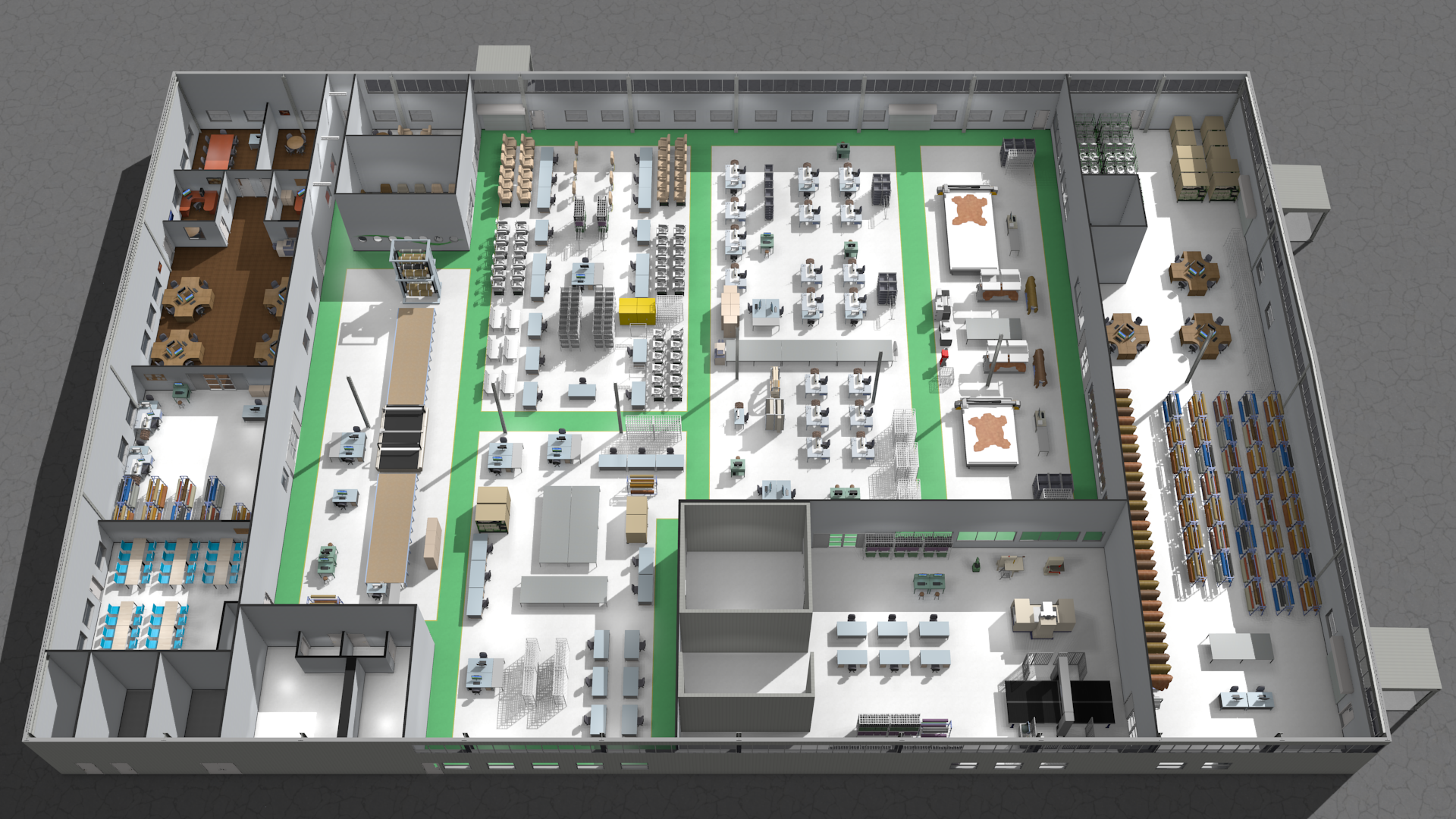
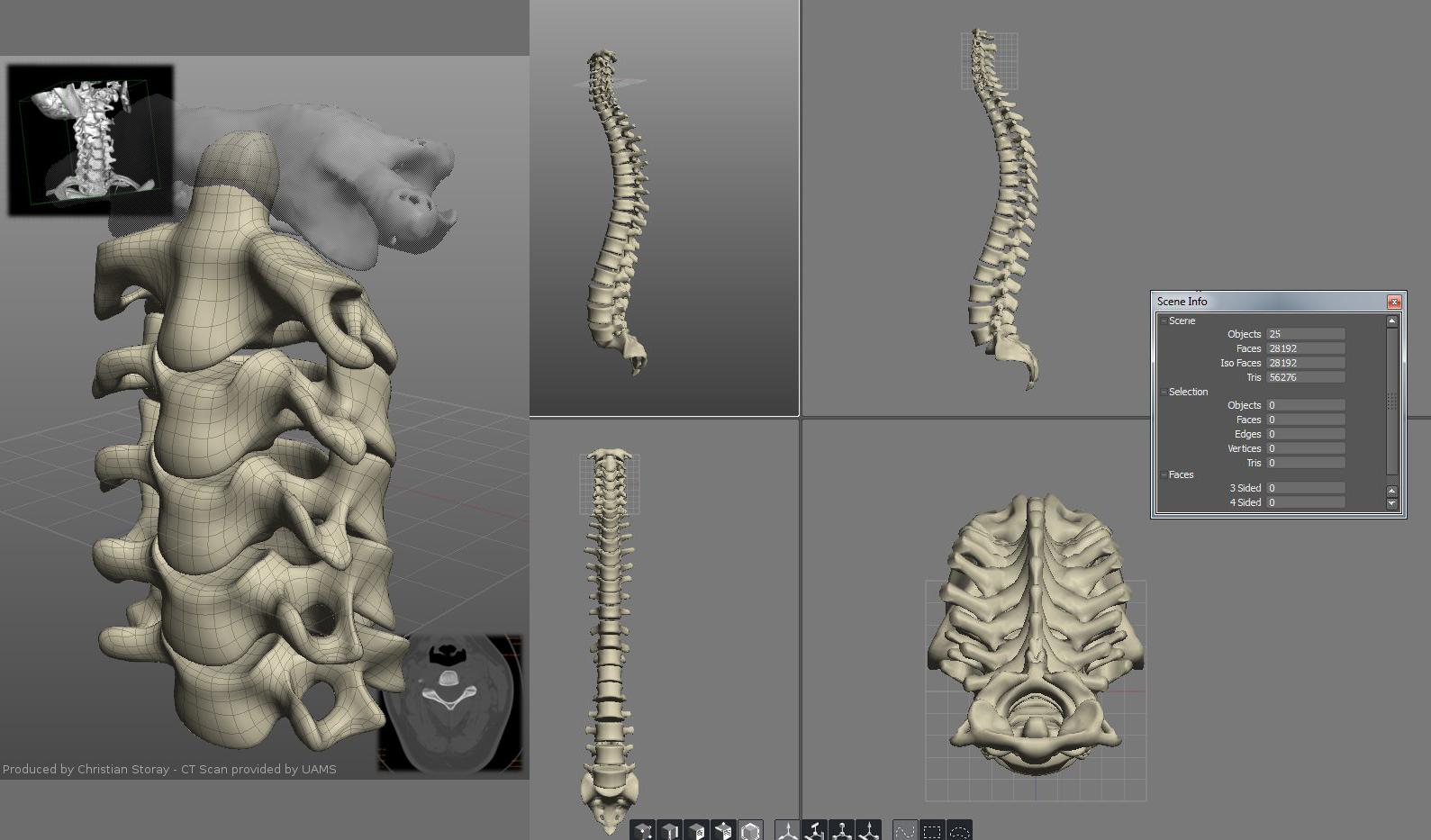
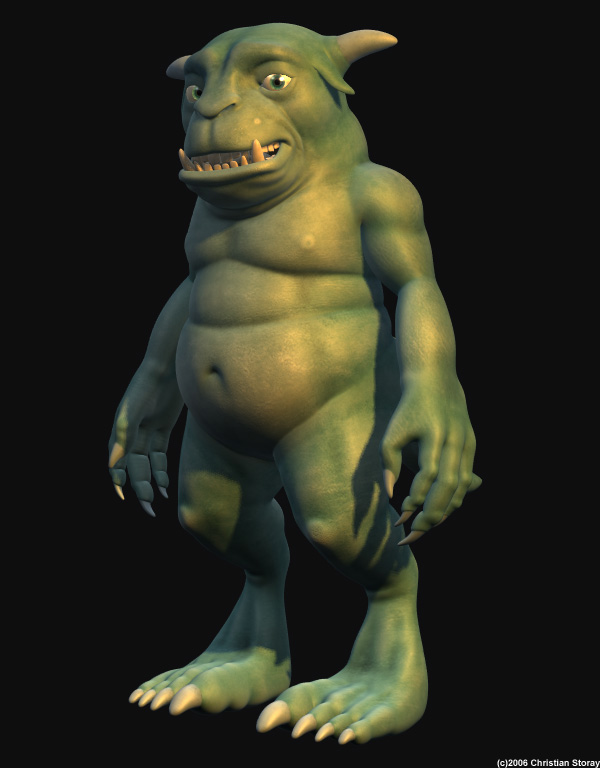
Just goofing off with two very similar non-biased renderers…
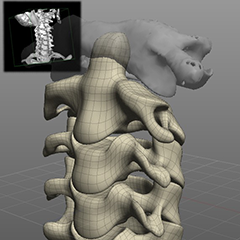
The new version of Blender came out last week and I used the previous weekend to test out the new BMesh modeling tools. It’s pretty sweet.
Here’s a powerful video of all that’s wrong with America today, and our fate if we continue on the present course. I love it, it’s probably the best Youtube video I’ve seen in years.
I always wanted to finish my Jeep model, but after looking at it recently I’ve decided to start over. Here’s what I have so far. Its intended to be a normal mapped game model, so I’m working on the high resolution version of it first. I don’t intend for it to be super accurate, but I will make sure the proportions are right.
I’ve just solved my smoothgroups problem when it comes to using Silo exports in Max. Before it wouldn’t let me edit the normals even with modifiers without extracting each object by element from within itself. (basically taking the whole object out and leaving the name) It is really simple – the obj importer has a ‘faceted’ option, which completely ignores the normals exported by Silo, which is fine since Silo can’t edit vertex normals or smoothgroups anyway.
While I thought i was giving up the software for good (lack of updates + this problem), a new project makes me want to use it again. Max’s tools are fine but tedious, and I don’t have enough money for Modo. So long as it works I guess I’ll be using it.
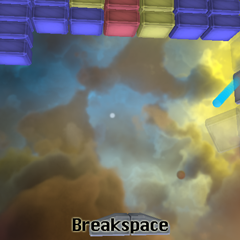
Breakspace is to be a simple Break-Out clone for the Android. It’ll have a gracefully moving star-scape in the background, plenty of levels for prolonged game play, and a varied selection of power-ups.

Today I nearly bricked my rooted Nook Color by using ClockworkMod to delete /boot. The good news is that I fixed it, and not only that, but I learned how to get it back to the stock rom from pretty much the worst case scenario. For more information, here’s my post about it on AndroidTablets.Net.

I was one of the participants of the pmG: Dare to Share promotion. I purchased two Messiah Studio Pro licenses and I have been learning it ever since. My reasoning for buying it probably only applies to me, but if you’re thinking about it I suppose it could help you decide.
Messiah’s renderer is surprisingly good, so I may end up using it at work as well as home.
Having said all that, it is a difficult program to learn, though once you learn it, you can work very fast. I had a problem setting up inverse kinematics that turned out to be a lot simpler to fix than I initially realized. After figureing it out, I made a video specifically targeting that one particular hang-up new users are likely to come across. (edit: This video goes about it the wrong way. Hit the P button on the lower right instead of doing the thing I’m doing…)